Clustering
OceanGraph provides an experimental feature that groups Argo profiles by similarities in their vertical structure and location.
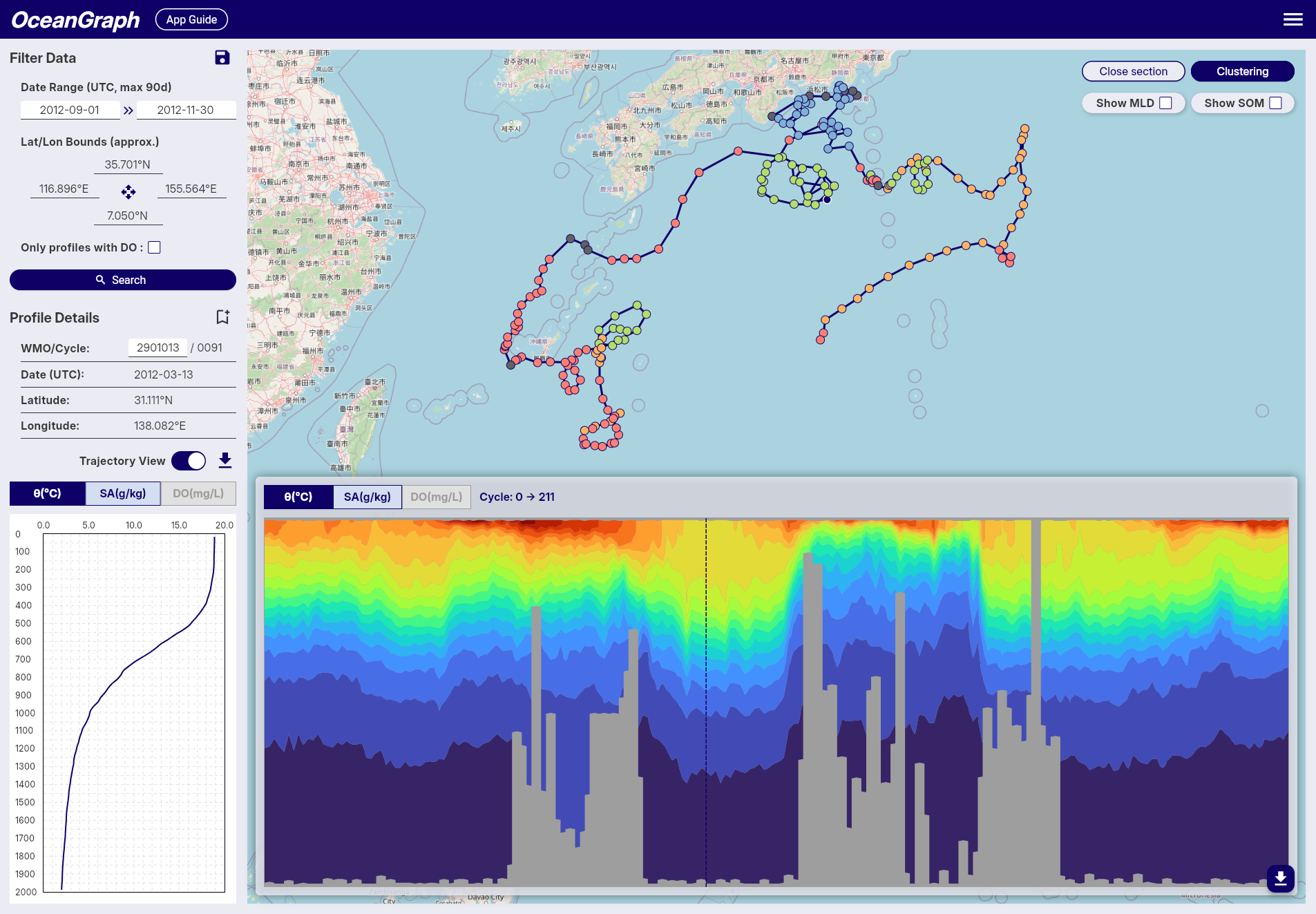
Accessing Clustering
Signed-in users can open Analysis → Run clustering (under Tools on narrower layouts). With Trajectory off, clustering uses the current search results; with it on, it uses all cycles for the selected float. The limit is 500 profiles or cycles.
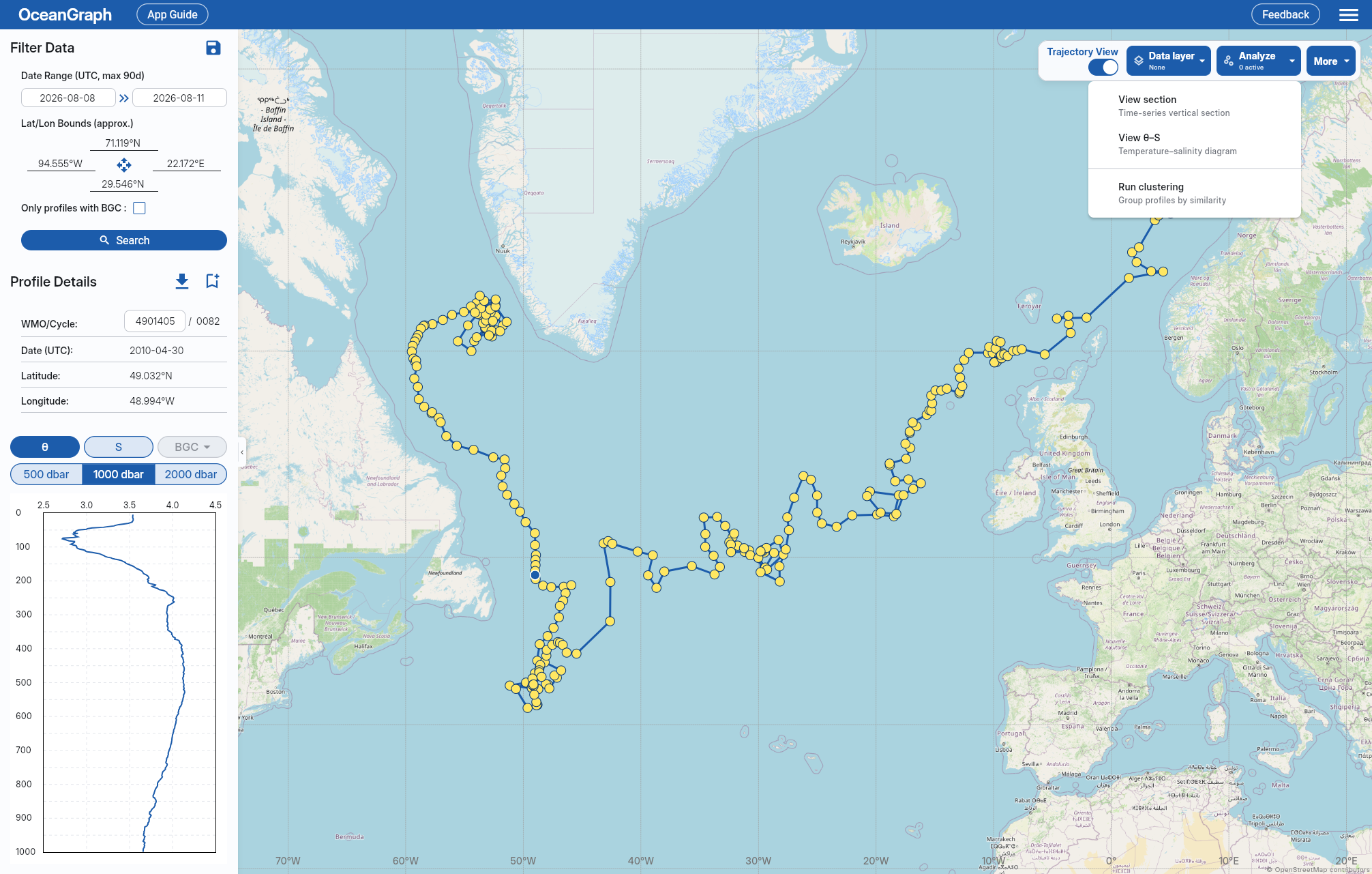
OceanGraph does not sample or split oversized inputs, so a trajectory over 500 cycles cannot be analyzed.
Only one analysis job (θ–S, Clustering, or 3D view) can run at a time.
You can keep or change your Data layer while clustering runs. A failed, cancelled, or timed-out analysis leaves your current selection unchanged.
Interpreting Results
On success, including after Retry, Data layer switches to None to show the cluster colors. You can select another layer afterward.
- Colored markers indicate profiles assigned to clusters.
- Gray markers indicate profiles excluded from clustering because they did not satisfy the required variables or depth coverage.
- The cluster labels are exploratory groups, not confirmed water-mass names.
What the Grouping Uses
- Only pressure rows with a finite temperature-salinity pair are used.
- Profiles are compared on a shared 100 dbar grid from 200 dbar to an upper depth chosen from the input set, with 1000 dbar as the maximum. Profiles that do not cover that range are excluded.
- Temperature and salinity at each depth are standardized and combined with latitude and longitude.
- The number of clusters is selected automatically, up to six. A single eligible profile or identical inputs form one group.
Because the comparison depth and input population depend on the current selection, cluster numbers from different searches are not directly comparable.